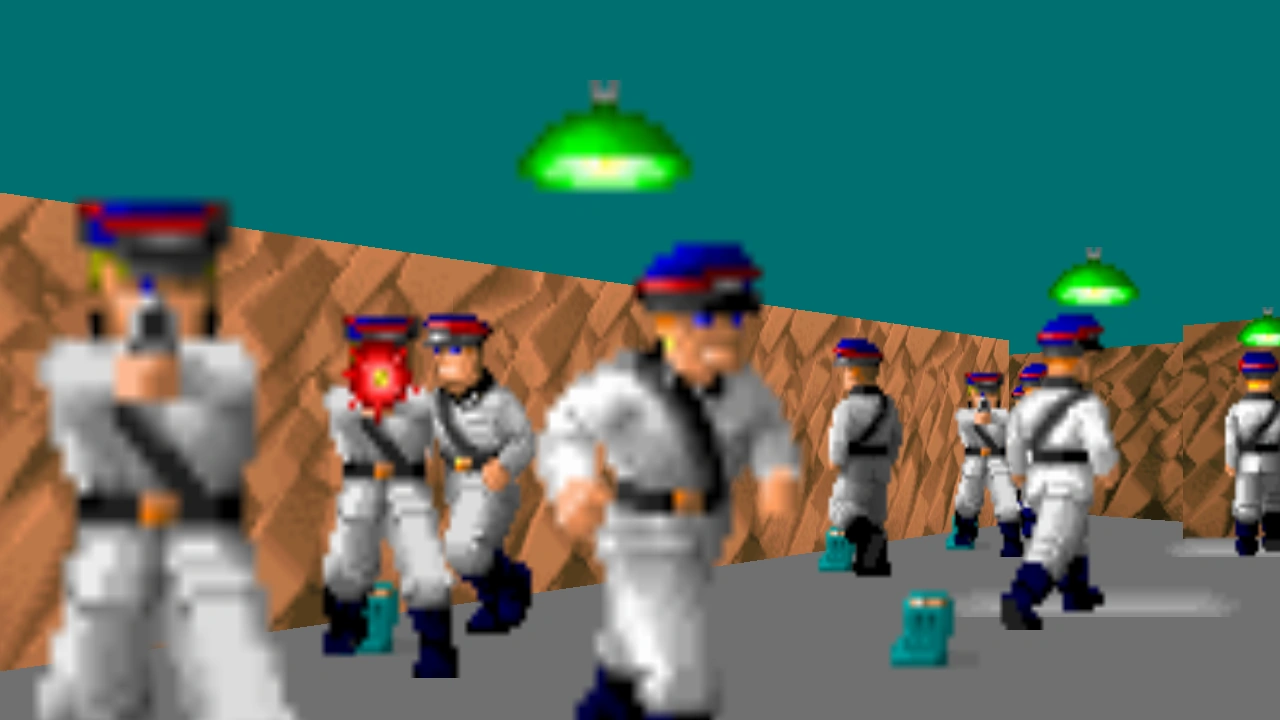
NewWolf permits extremely high resolutions compared to the original DOS client. This 1280x720 shot is cropped from a larger image.
NewWolf is an unofficial third-party port of Wolfenstein 3D to the OpenGL platform by DarkOne. It is meant to be a modernization of Wolfenstein 3D, providing native Windows support (does not require a DOSBox emulator), along with other significant features. It supports Wolfenstein 3D, Spear of Destiny, and both mission packs.
The final level of Spear of Destiny cannot be accessed without cheats.
Using NewWolf
To use NewWolf, download it from the Web site. Extract the files from the .zip file, then place all files in your Wolfenstein 3D/Spear of Destiny directory (where your original executable file is). Run NewWolf instead of the original files.
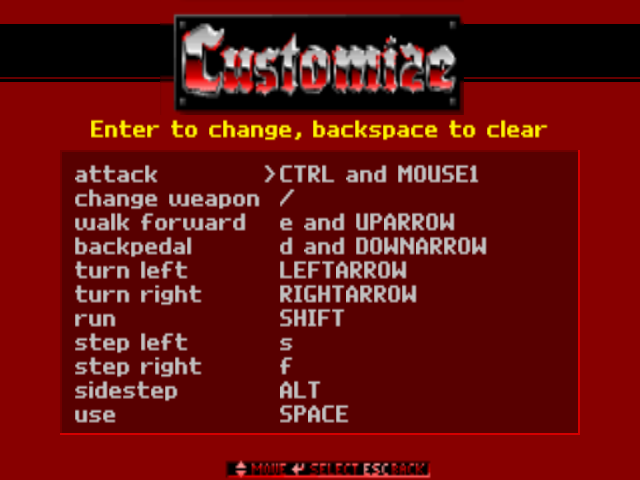
The default keyboard layout uses ESDF, rather than WASD or arrow keys, for movement. DarkOne, and some other devoted gamers, insist that this layout is better, but the player can enable the desired layout in the Controls menu.